Reach
Can the user get close enough to the control and operate it without leaning, stretching or losing balance?
Accessible living specialists
Trading online since 2010

Accessible products should reduce the effort, precision and complexity needed to complete everyday tasks. “Easy to operate” is not one feature: it is the combined effect of reach, grip, force, movement, feedback and consistency.
“Easy to operate” means a control can be reached, understood and used reliably without demanding unnecessary grip strength, finger precision, twisting, sustained force or complicated sequences. The best control depends on the person, task and environment: a long lever, large push button, sensor or automated function can each be the right answer in different situations.
A usability test, not a marketing phrase
A product can be labelled accessible and still be awkward for a particular person. Break the action down into the physical and cognitive demands it creates.
Can the user get close enough to the control and operate it without leaning, stretching or losing balance?
Does the control require pinching or gripping, or can it be used with a palm, closed fist, wrist, forearm or elbow?
How much effort is needed to start and complete the action, especially when it is repeated many times each day?
Does the action rely on twisting, turning through a large arc, pulling or precise finger movement?
Is it obvious that the action has worked through movement, a click, sound, light, position change or other clear feedback?
Can the same action be repeated predictably, or does the user have to relearn different controls around the room?
From taps to toilets
Accessible design often improves when the control is chosen around the action rather than around a conventional product format.
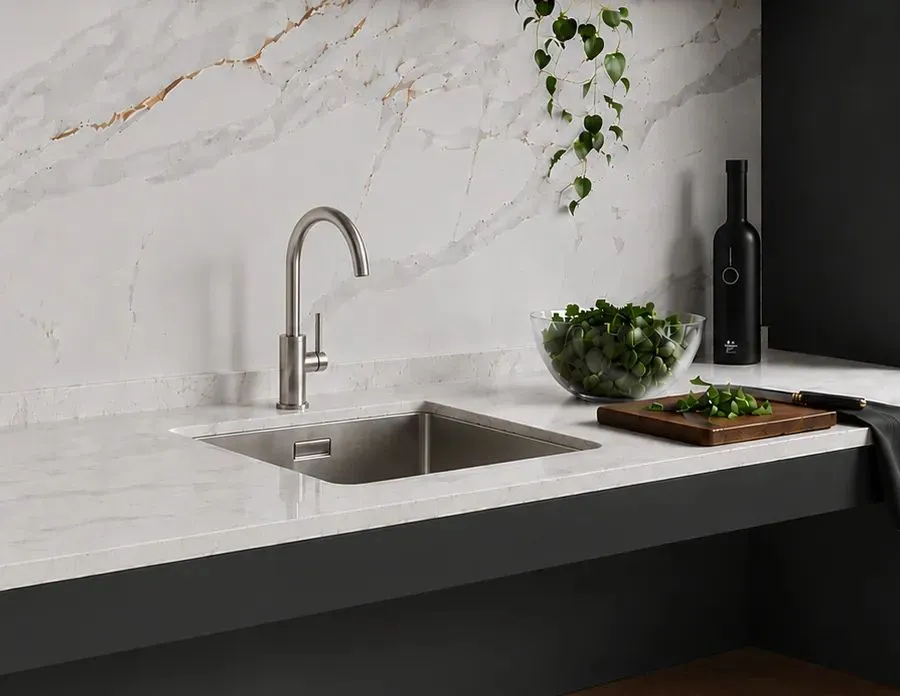
An extended lever increases the contact area and can reduce the need for fingertip grip. Selected kitchen and bathroom taps can be operated using a closed fist, wrist, forearm or elbow.
See a long-lever kitchen tap →A shorter operating arc can make a conventional tap easier to use than a multi-turn mechanism, particularly where twisting is difficult.
See AKW lever taps →Infrared controls can remove the need to grip or turn a handle completely, although positioning, detection and user understanding still matter.
Shower toilets, powered lifts and other systems can replace a repeated manual task with a button, remote or programmed movement. The control itself still needs to be reachable and understandable.

One person’s easy can be another person’s difficult
A large handle may improve grip but still be positioned too far away. A push button may avoid twisting but require more force than expected. A sensor can remove hand effort but introduce uncertainty if its activation area is unclear.
The useful question is therefore not “is this an accessible control?” but “what does this person need to do to make it work?”
Standards & guidance
Approved Document M for buildings other than dwellings gives a practical example: manually operated entrance-door furniture should be easy for people with limited manual dexterity, and where a latch is fitted the opening furniture should be operable with one hand using a closed fist, such as a lever handle. BS ISO 24553:2023 is a current standard specifically concerned with accessible design and ease of operation across products and controls.
Standards provide useful baselines, but they do not replace person-specific assessment. View Approved Document M →
Practical comparison
When possible, compare products by performing the real task rather than judging a control from a photograph or specification alone.
Tactile confidence
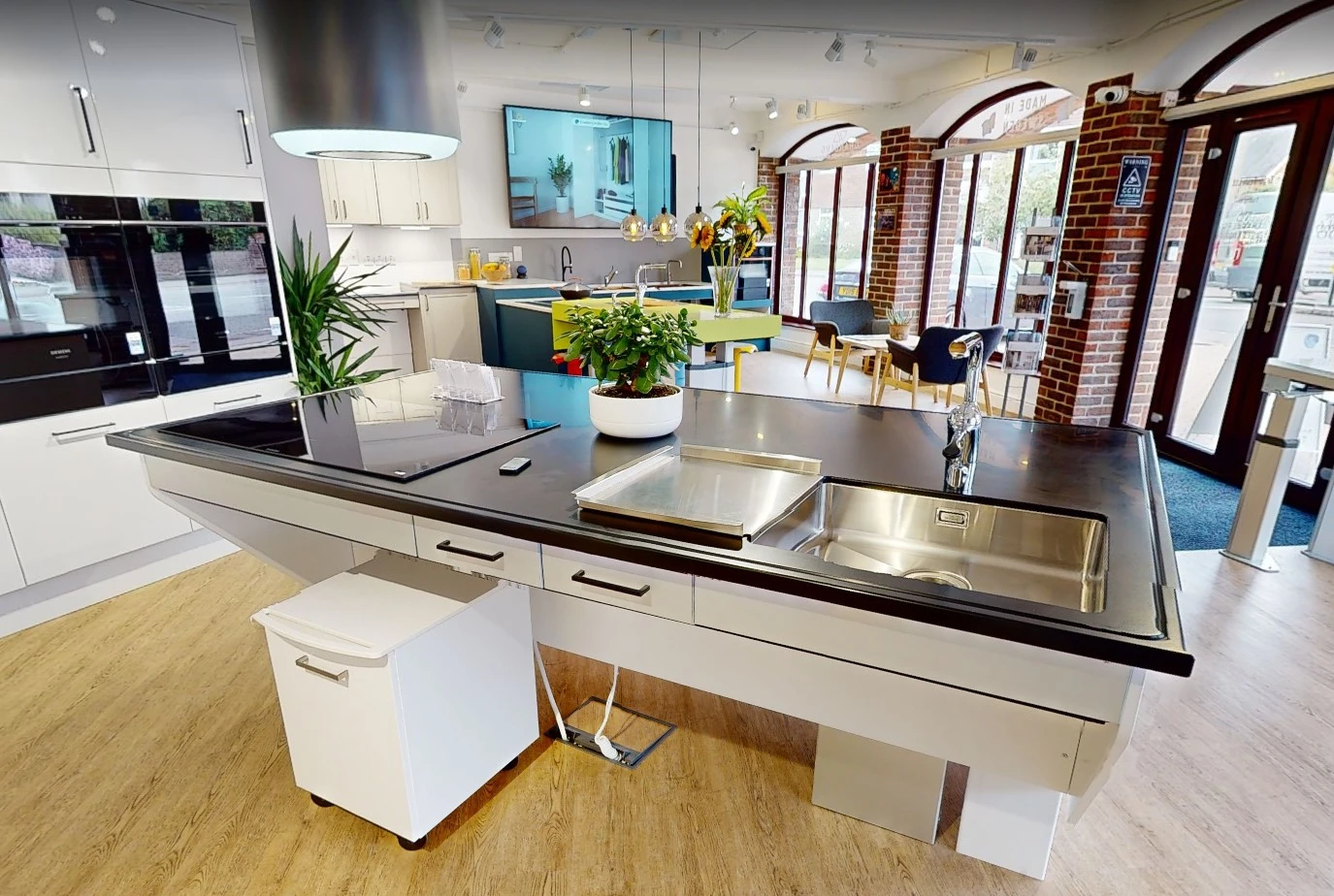
In the showroom you can compare lever lengths, buttons, lifting controls, rails, taps and other interfaces by feel. That can reveal differences in force and movement that a specification sheet cannot show.
FAQs
No. Sometimes a well-positioned lever with a large contact area is simpler and more predictable than automation. The best control is the one that reduces the barriers for the intended user and task.
A lever can usually be operated with a larger part of the hand, wrist or forearm and may require less gripping and twisting than a small round knob.
Not necessarily. They remove physical activation effort, but the sensor position and feedback need to be obvious. Some users may prefer the certainty of a physical control.
No. Approved Document M gives guidance for particular building elements and situations. Product choice still needs to account for the actual user, environment and task.
Specifications can tell you things such as dimensions, control type and operating method, but they may not communicate how a product feels. Trying products in person can be valuable where grip or effort is important.
Start with the tasks that create the most repeated effort or frustration. Taps, shower controls, handles, rails and personal-hygiene controls are common places where a relatively focused change can make a noticeable difference.
Usability first
If a control is causing difficulty, start with the action: what has to be reached, gripped, turned, pressed or repeated? Our team can help identify products that use a different control method or reduce the effort involved.